Hello, I am on the installers page and I just had my very first chip put in my own hand and I am having some trouble with it reading on my phone. It works well through the app and the app reads it and picks up on it perfectly and it blinks red but when I’m not in the app, it does not work. I have set up a URL and saved it several times when I scan it in the app, it pulls up the URL that of my business page. I’ve tried doing it from the lock screen and without the lock screen and being just on my home screen and nothing happens I’ve also tried using other phones. Thanks in advance
2 Likes

The nfc tools - I wonder if the area is to swollen to read the chip but it blinks very well
1 Like
It tends to take a couple of weeks for the swelling to go down. But if it scans in an app but doesn’t launch, it sounds like the record type or format is not correct.
Are you using Android or an iPhone? Can you share a scan of the implant with TagInfo?

Here is a working example.
3 Likes
I’m using a iphone pro max 15 - and see I don’t know anything about that information and need to learn and have help. I can try and download that app and give you a read

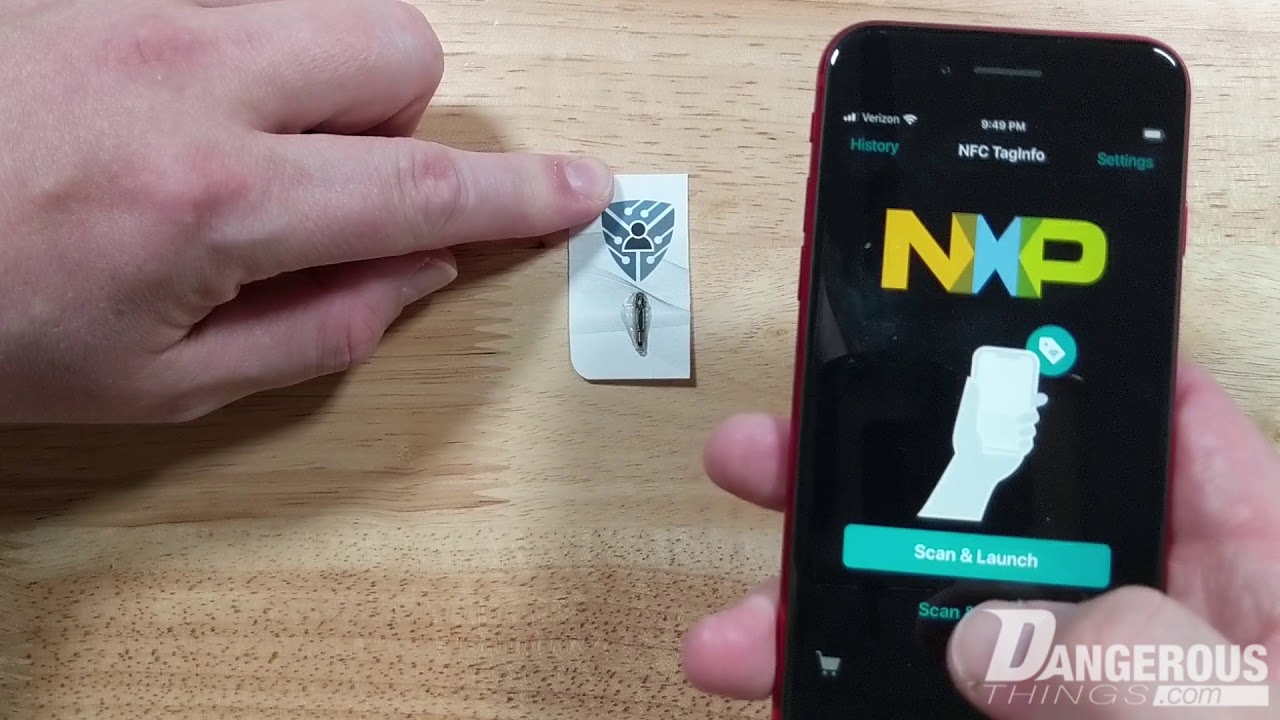
OK, so all that I have saved to the chip is my URL when I use NFC Tools I just tried the other app and it reads it, but nothing comes up- the NXP apps read it, but they don’t pull up anything. The NFC tool app pulls up my info that I’ve added to the chip.
When I scan the chip with the NXP app it reads the chip and just says this - it will vibrate as if it read the chip and keep popping up

First let’s make sure you’re scanning with your iPhone properly;
The short answer is this.. the chip’s memory is like a tiny hard drive that only stores about 1k of information (888 bytes to be exact). The apps are special because they can see the chip and read the memory and tell you about the specific details about the chip. But, if there are no “file” on the chip, or the “file” is somehow broken, then when you scan it outside the app, the phone reads the empty chip and does nothing. On an NFC chip, this is called “NDEF data”, and it must be formatted correctly for it to work. The apps write the data (your business URL) to the chip with the correct format.. or they are supposed to.
So we can be sure the NDEF data is formatted correctly, try scanning with taginfo like @tac0s said above, then send a screenshot of the “full scan” data page.
.. ok well you did that while I was slowly writing my response hah  good work. looks correct.
It seems other people have issues with consistent “background NFC read” feature.. this is the feature that allows the iPhone will read an NFC tag with no app open.

No responses though.. hmm. According to AI;
The iPhone 15 Pro Max has background NFC tag reading enabled automatically. There is no master ON/OFF toggle in Settings. To scan an NFC tag, simply wake your screen and hold the very top edge of your phone near the tag.
To use and scan NFC tags on your iPhone Pro Max 15, ensure these criteria are met and follow these tips:
Background Scanning Requirements
- Device state: The iPhone screen must be on and unlocked. It must have been unlocked at least once since the last restart.
- No conflicts: Background scanning temporarily pauses if Apple Pay Wallet is open, the camera is in use, you have Airplane Mode on, or another NFC session is active.
- Tag format: The NFC tag must be properly encoded with data (like a website URL) for the iPhone to natively respond.
While NFC runs automatically, you can add an NFC Tag Reader shortcut to your Control Center for quick access to manual scans when needed under Settings > Control Center
4 Likes
Okay let me try the control center - I’m unsure of just what I’m doing wrong  I appreciate everyone’s help! I really want to learn and get this to work
ok- I tried adding nfc tools to a shortcut and it won’t let me
Yeah I’m unsure of what’s going on when I use the apps like nxp and nfc it scans so easy but just holding it near my phone I got nothing
Download and install that. Use it to do a full scan, please.
As you are experiencing, NFC Tools is not a good fit for folks not familiar with NFC 


Expert tab? Looks like protocol is missing. Https:// and then the rest.
Edit: this tells it that it is a web link. It can also link to something like an app. Like this example that targets our RawNFC app and tells it to send a GET_VERSION command.

1 Like

NXP makes the majority of the chips we use
1 Like

To be clear, you are using Tag Writer not Tag Info? Regardless, as I said, all you need to do is put https:// at the start of your website addresa. Use whatevver app you want.
1 Like
Okay I will try that and get back to everyone thank you so much! 
1 Like

