This is a thread recording payment terminal interactions, particularly documenting finicky terminals.
Terminal: Ingenico Lane/7000
Implant: Apex Ring Conversion Module
Presentation: Approach slowly directly over the NFC section on the lower left.
This is a thread recording payment terminal interactions, particularly documenting finicky terminals.
Terminal: Ingenico Lane/7000
Implant: Apex Ring Conversion Module
Presentation: Approach slowly directly over the NFC section on the lower left.
Interesting that you are having an issue with these terminals. I have the module variant and these terminals are some of the easiest ones to use. I’ve never gotten an error on one
Amal’s installs were like what? A week ago. Good to know that will pass.
Ditto. I’ve had very good luck with this specific model of terminal and my Spectrum conversion.
I will try to document readers I run into issues with going forward. There was one the other day that made me look like a fool… “I swear! There’s a chip in there that I can pay with! Just let me fiddle with it for a few seconds” as the line of people behind me rolls their eyes 
After getting several card read errors the clerk told me directly that their terminal is picky AF and to approach it slowly.. which worked. Odd.
One of the bigger store-chains here in Norway uses this type of reader, and I’ve yet to get a successful read on it.
Have not had the time to try a lot of different angles and distances yet, as every time I’m shopping there is a big queue, so I feel the social pressure and just pay the boring way. Anyone else have any experience with this one?
Edit, Apex Ring Conversion module format.
This was my test with the terminal
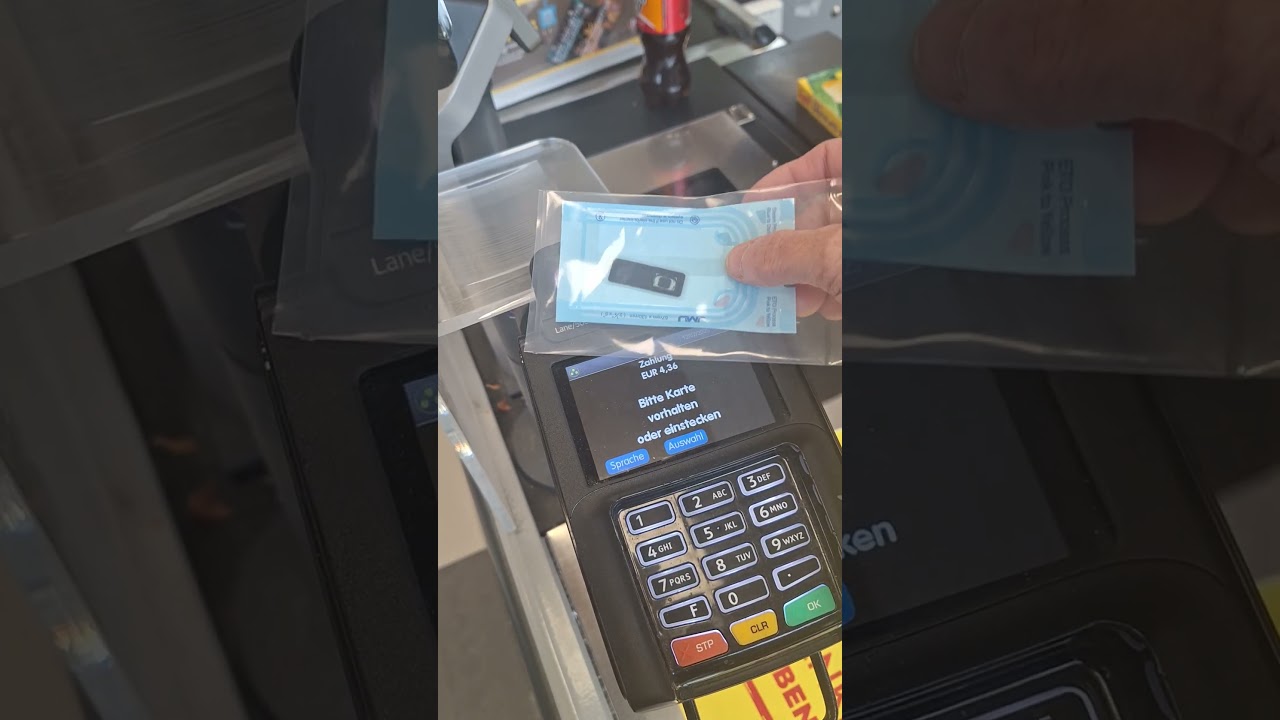
We have this terminal in our stores.
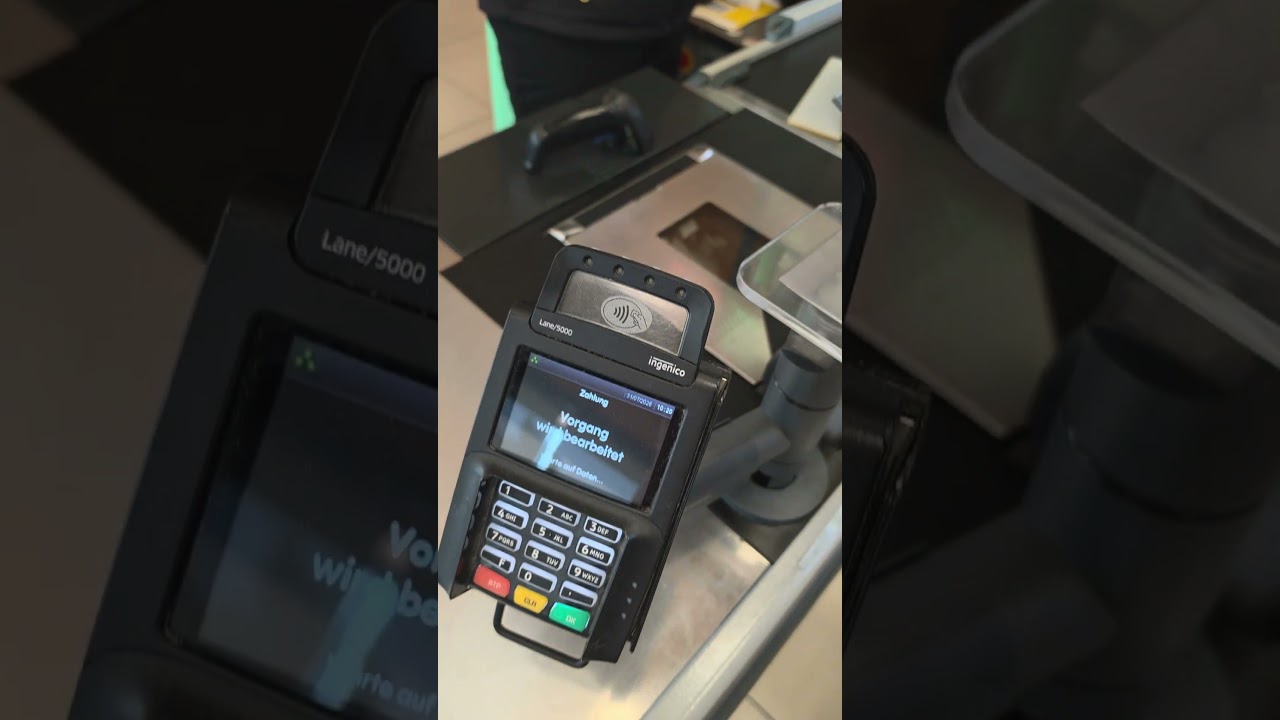
I have on youtube different videos with implsnt test videos.
It’s really important to include the type of implant you have tried.. narrow flex? Mega? Module? How you present it to the reader depends a lot on the shape of your implant.
Sorry, it’s the Apex Ring Conversion in a module format.
That was quick, thanks!
That’s the same orientation and placement as I’ve tried… Strange. Need to test more when there are less customers around 
I would expect either of these orientations, however it might require holding the module some distance away.. the same kind of show approach I had to use with that Ingenico terminal.. might work best.
I’ll give the slow and steady approach a go. All other terminals have been pretty good so far.
It happens some times, that I didn’t get a read - it also didn’t work with my card. Tried 3 different cards / banks.
I say: “please restart the terminal”
Collegues say also, that it sometimes happened NFC didn’t work.
Honestly with my Apex Module there I’ve used it to pay hundreds of times and only encountered one reader that didn’t like it. It was at a Wendy’s but it was a different reader than most locations use. I’ll try to get a picture sometime soon and post the exact model.
I tried getting it to read for like 2 minutes straight and the lady behind the counter was looking at me like I was a wack job
Would be intresting - i will visit te USA again in November.
I ran into this with my apex mega at a cupcake shop that had a strange point of sale computer thing with a reader sort of integrated into the monitor stand, which was super awkward even for normal cards. I honestly think it was designed for active phones with extended signal because not even my rdc would light for shit with it.
This worked, but I also had to keep my implant over the termnal for 2-4 seconds before it could be read. (all other terminals has been almost instant) I was just about to give up until the guy behind the counter said that “it seems like it’s trying to read something”, and ding, it read perfectly.
Orient the implant horizontally and place it in the center of the screen where the NFC icon is about 1cm off the surface, then very slowly move the implant diagonally towards the top right or left corner, maintaining the orientation and distance


