I wish I could give you the best opinion. I don’t know anything about the Teslas layout or how it’s oriented. If you can get away with using an MFGC id go that route.
But without knowing anything I’d say the extender pro. Mixing the large and small implant one would be best.
I hesitate because I don’t know where you’d put them. How it would be mounted and where you would extend it to. You’ll have to be the best judge of that.
Unfortunately no. Depending on how the apartment complex uses the memory in your 4k classic chip, it might be possible to clone the ID and first 1k of memory to an xMagic or xM1 and have it work. Can you scan the memory of the chip in your keycard with taginfo and post the full scan here? If all the latter memory blocks are basically factory untouched with default keys, then there might be a chance it can be copied and used with your apartment complex.
Ok I was able to scan it to my Flipper Zero and can use that as a key now. I haven’t been able to get a read with my phone and NFC TagInfo though. Is there a way I can paste the flipper data here?
Just got a new ‘26 Model 3. Having trouble enrolling the key card but destroy and redeploying the applet didn’t fix it for me like it did for you. Did you find that the range extender improved readability in your model 3? Thinking about ordering one to try to get it working.
Is it having trouble reading or do you think it’s reading but not registering?
You could try using the RDC between the console reader and your Apex to see if the light indicates a solid duty cycle.. this could indicate a read. The RDC itself may also kind of sort of act like a field extender as well, though with an LED as an additional load on the field. Might work.. might not.
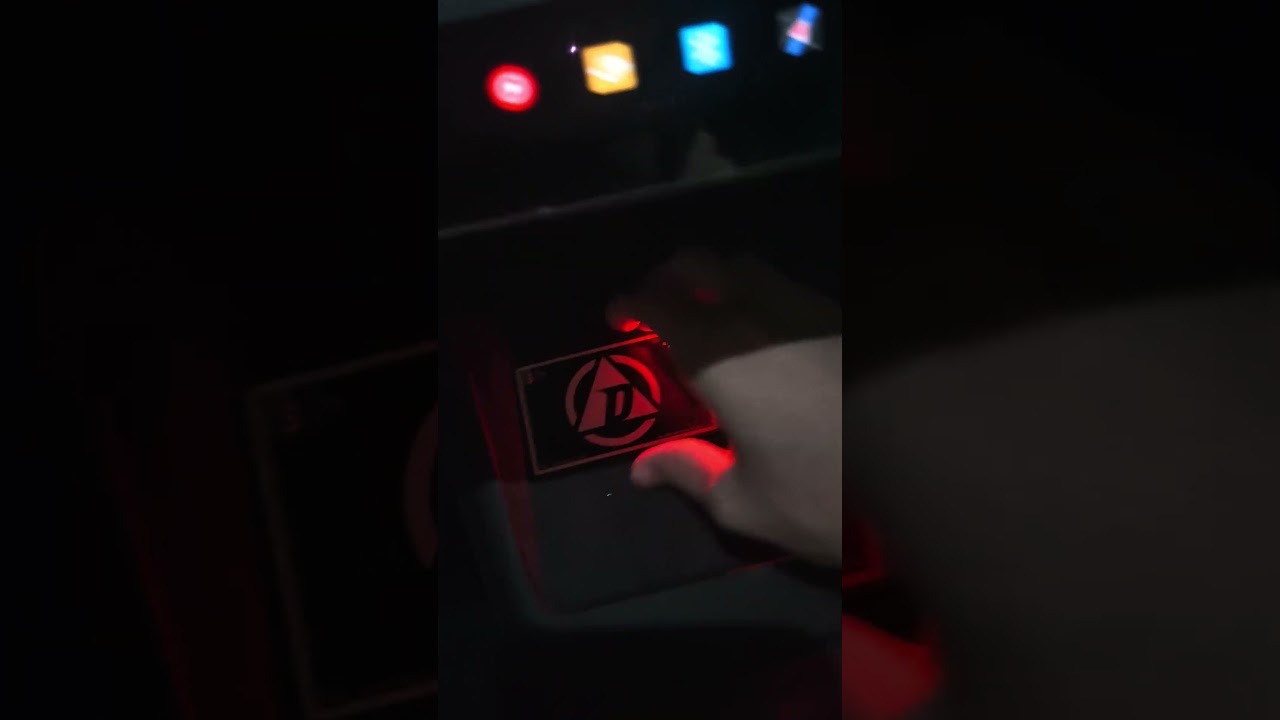
The LED seems to blink from bright to dim. No change when trying to present the implant on top of it at different angles. Seems like it is not reading.
Couldn’t figure out how to get it to not be a YouTube short, but here’s a quick video.
Since Pagopace is using our Tesla app on their rings, if it works, Apex works. The only reason there has been any trouble has been a coupling problem trying to enroll it (add it to the vehicle), but that can be solved with something like an NFC extender.. basically it’s an antenna connected to a cable connected to an antenna. You place antenna 1 over the NFC reader and place the implant over antenna 2. It’s purely for making awkward placements (like jamming your hand into a recessed phone charging well of a Tesla) easier by “extending” the field to another antenna with much easier coupling.
Purchased the above antenna extender. Used a combination of that plus the diagnostic card to try to register my Apex. Still getting the same bright followed by dim cycling LED on the diagnostic card with no sign of it actually reading.
This is on a 2026 Tesla Model 3 Premium AWD. Wondering if Tesla may have changed the key cards but from the offerings on their website that doesn’t seem likely. When you try to order a key card, all Model 3s and Model Ys are lumped together as one type of key card.
can you read your Apex with your phone - i.e. the Apex is working?
can you try testing with diagnostic card and the door pillar when the car is locked and;
a) unlock the car with a proper key card (watch LED behavior of diag card). hold the keycard to the door pillar. when the car unlocks (horn beeps and mirrors swing out), continue to hold the card to the pillar. does the LED remain lit the entire time or only light briefly until the car is unlocked, then stop?
b) attempt to unlock using your unregistered Apex with diagnostic card on the door pillar. watch LED behavior.
c) if you have one, attempt to unlock with an unregistered keycard with diag card on the door pillar. watch LED behavior.
We’re trying to see if there is a fundamental difference with regard to reader behavior when scanning a registered keycard vs unregistered keycard vs unregistered Apex.
Yes all during registration of a new key card from the menu.
1. Yes, Apex works. Currently running the authenticator, security key, and Tesla keycard apps. All 3 are viewable as installed on the implant with Apex Manager. I have tried reinstalling the Tesla keycard app as well
2a. So the door pillar gives the same cycling dim to bright LED at idle. When a card is presented, the LED goes solid bright for a few seconds even after the keycard is pulled away.
2b. Interestingly enough I was able to trigger a few seconds of that solid bright LED with the unregistered Apex at the door pillar.
2c. Couldn’t test this tonight. I travel for work and my other keycard is 3.5 hours away. Car won’t let me delete the one I have unless I tap a different one to prove I’m not gonna lock myself out of the car.
Tried to get a video of all this but it’s rather difficult to record, hold the diag card, and present the different tags. When will DT release a third arm? Based on these findings, my best guess would still be a coupling issue with the console reader.
I have tried redeploying the applet but doing it again wouldn’t hurt. That’s what I meant when I said “I have tried reinstalling the Tesla keycard app as well”. Nothing to really reinstall on the car unless you do a fresh install of all the software.