Yeah I haven’t played the game but from what I’ve seen it doesn’t look very modern. Which is ironic for something supposedly futuristic 
I guess it supposed to be cyberpunky, not realistic futurist. Hence the neon and very busy style.
Personally I think of futuristic as minimalist and slick.
I do like the cyberpunk style but it feels like 70’s futurism.
1 Like
I know that part of the design philosophy of the menus had to do with the dark, gloomy, and bloody life of the character you play as and those you meet.
Without spoiling much, the character you play as is “dealing with some stuff” and at some point their consciousness is actively dying, leading to the red, almost bloody menus.
It doesn’t help that you can optionally have metal coated bones and replace your entire face, so at some point the almost medical xray view turns into nightmare fuel.
As far as the rest of the game goes, I absolutely agree. That is what it was kinda based on.
1 Like
I was a bit disappointed that you couldn’t go full Adam Smasher in that game…
1 Like
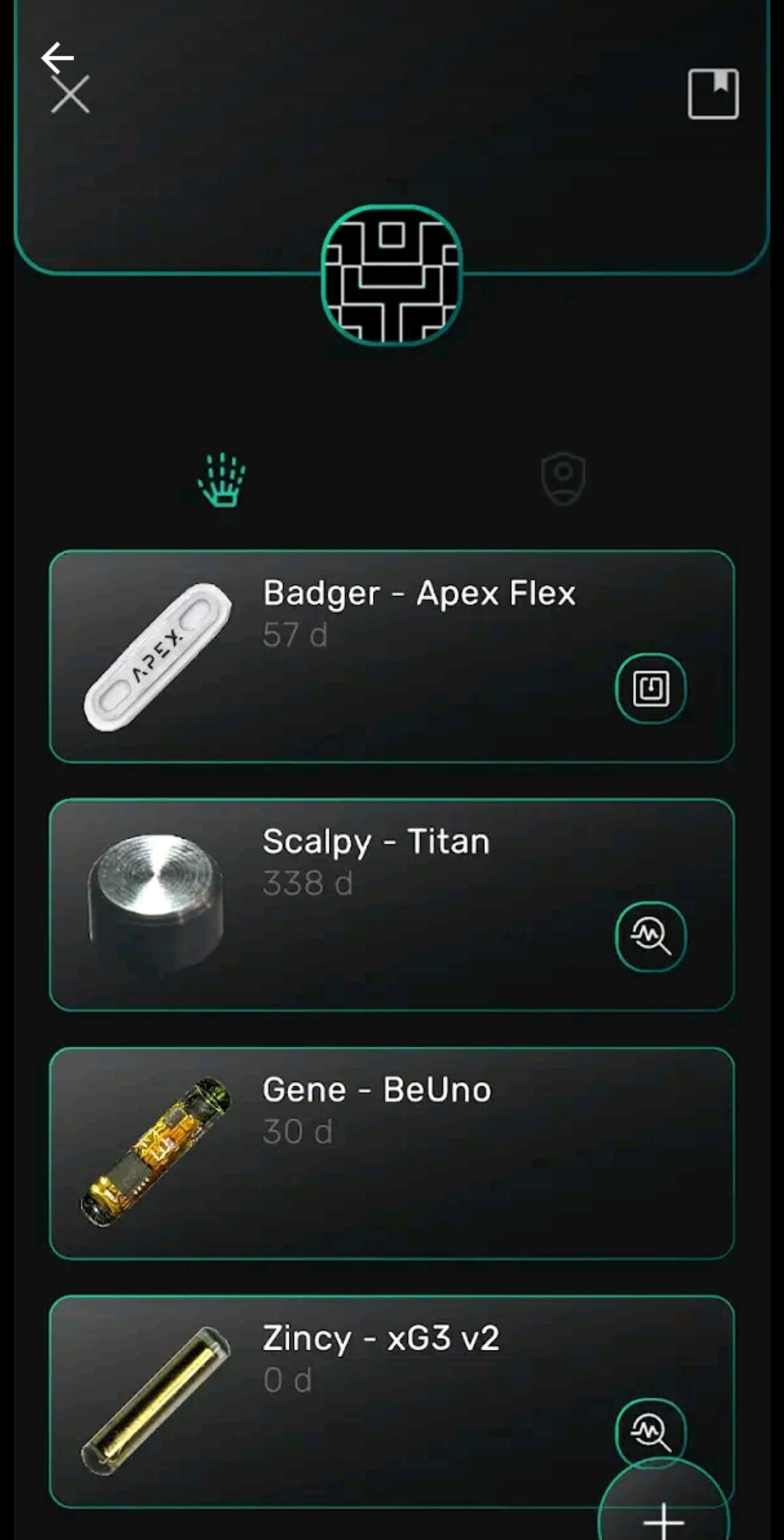
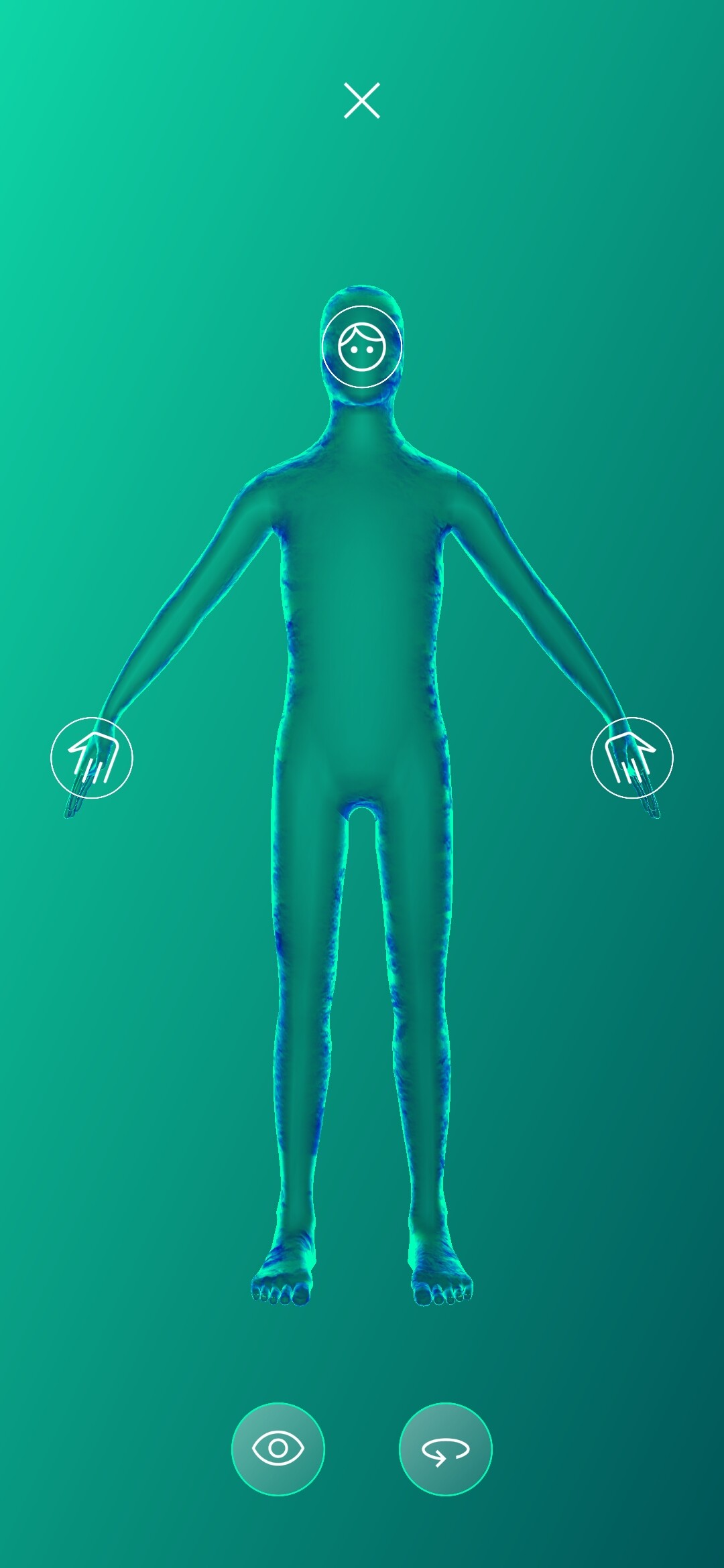
Just a reminder to everybody, you can record dates and location of instalation etc in @Az_F’s ZINC app
4 Likes
Before I buy it, can i add the date, when I got the chip implanted?
Are there also chips / magnets from other manufactors included
1 Like
Yes
Howeve, Maybe a little bug
@Az_F
It will take the date, but not save it…
Yes, Full range

although
(I think it may be missing the latest DT products eg. Magnets, glow powder and has the xGlo but not xGlow) but im sure they will be updated soon™
2 Likes
May or may not be fixed? It’s a real pain in the a but I’ll figure it out…
Scribbles frantically on to do list
6 Likes
Samppa from Cyborg is missing in the list. He has some magnets.
2 Likes
not on my Samsung 25 Ultra.
You can select the correct date, but as soon as you ok it exits to the selection screen, it defaults back to
1st September 2025

2 Likes
Noted 
2 Likes
Noted!
3 Likes
It doesn’t safe the date or location 
Added 33 from my 35 chips.
2 Likes
The location too?
Alright sounds like I’ll be coding tonight 
2 Likes
Sorry, location worked
Would it also possible to add the color of the LED implants
Location: breast
2 Likes
ooh, interesting. Can you share some info on the magnets you got?
The ones they gave me were Steve Haworth magnets.
1 Like
I know only that the magnet is from “Samppa from Cyborg” my Bodymod has them.
I got it before DT released the TITAN. The xG3 was too big for the finger.
1 Like
A quick look on DT site, and I think Titan was sold in 2021. So there’s a chance we have the same type of magnets. (Or the Cyborg’s went with a different type of magnet between 2017, when mine were installed and 2021)
Aneta Von Cyborg is super nice with communication, so if you’re interested in your magnet contact them. Please keep in the back of your mind that Haworth magnets have a tendency to deteriorate (fluid will get inside the silicone and the magnet will corrode). so if you ever feel the magnet get a lot weaker, the area of the magnet becomes irritated/ red/ warm/ puffy.. it CAN be an indication of this corrosion, and its best to have it removed.
It is weak, i got it in 2018. Finger ist okay.
I found out how to get the correct date.
It is a bit tricky 
Edit the date from your phone to the implantation date. Star the app - add the chip. Save it. Close the App. Save the date back to normal.
I tried it with my first implant.

4 Likes
Ewwwww, that’s an U G L Y solution, but hopefully your solution will help @Az_F to find the coding fix.
4 Likes