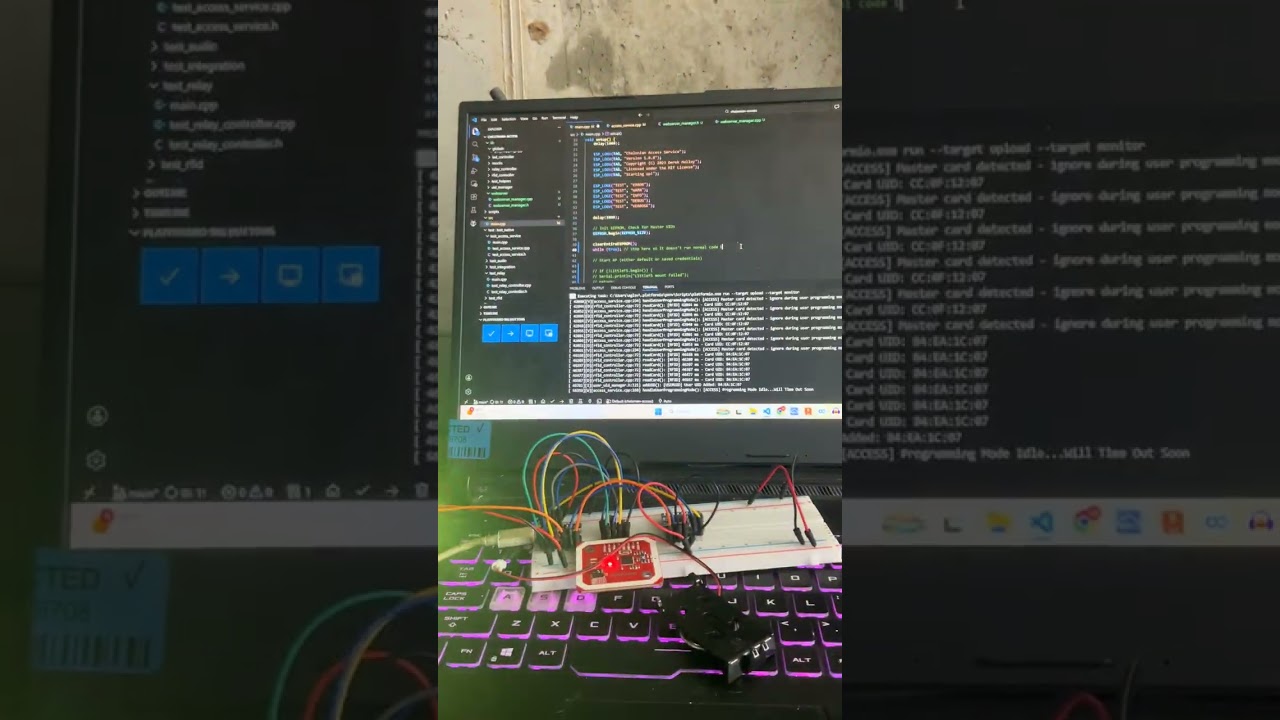
After having my implants for a few years now, and barely using them for half that time, I decided it was long enough just thinking about adding RFID unlocking and potentially engine starting to my vehicles. I’ve been thinking about it since before I got them and life got in the way, but I finally came back around to it. Thankfully, there have been a lot of developments since the last time I looked into it (xEM AC was the only thing anyone was really doing). Thanks especially to chimpofm for the SimpleSexy Project and all his research on the subject, and inspiration Completed - Personalized Electronic Nfc Ignition System and Barediver for the same, and porting the code Nissan Hardbody Keyless Entry .
I am not sure if the project was abandoned, or just considered in a good enough state to use, but I decided to build the hardware and work on the software some more. GitHub - msjunk19/chelonian-access: RFID access control · GitHub I have been working on it for a few days, the code has been expanded to:
- Have Master and User Cards
- Store the UIDS (Master and User) in EEPROM for persistence and ease of programming
- Programming mode added
- Automatic Master Card programming, if none are stored on boot
- Add/Remove User Cards via Master Card
- Programming mode automatically exits
- Built in LED support (can connect external LED to the internal LED Pin)
- Neopixel LED support
- NO HARDCODED UIDS AT ALL
- NO CODE EDITING NEEDED TO DEPLOY TO DEVICE
- NO PC NEEDED ONCE YOU FLASH THE DEVICE
I feel like I am probably forgetting some things, but everything is currently in a working state, I have plenty more testing I want to do, but thought I would share it here now to get some feedback from the community on features, etc. The docs have barely been updated to reflect the current status, but I am working on that also. I will add some code testing videos tomorrow, its 430am now. I should also mention, that while i do not have the simple sexy pcb, this SHOULD be 100 percent compatible with the existing esp32c3 supermini based hardware, as I havent changed any pin designations, besides adding the led pins. The only thing I havent connected yet is the relay board, but the code for them is working. It currently fires the 2 sequentially like the original code did. Look forward to everyone’s thoughts on improvements I can make!